Dove365 Admin Guide
Use Dove365 Admin as the central workspace for users, teams, mailboxes, data configuration, documents, knowledge, support, and platform settings.
Your central administration workspace
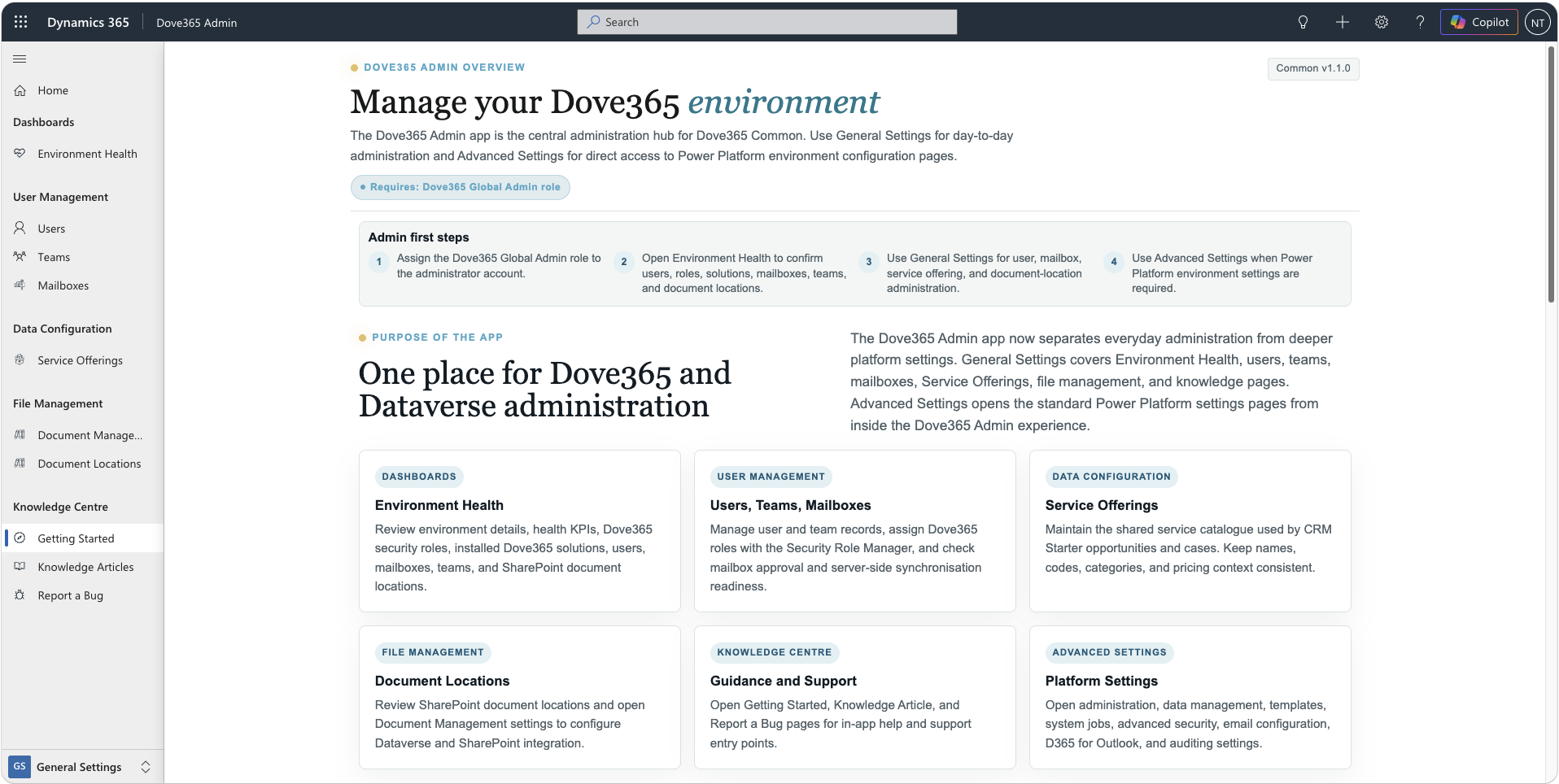
Open Dove365 Admin with the Dove365 Global Admin role. Start from Getting Started to understand the available areas, then use General Settings for routine administration and Advanced Settings for controlled platform configuration.
General and Advanced Settings
General Settings
Environment Health; Users, Teams, and Mailboxes; Service Offerings; Document Locations and Document Management; Getting Started, Knowledge Articles, and Report a Bug.
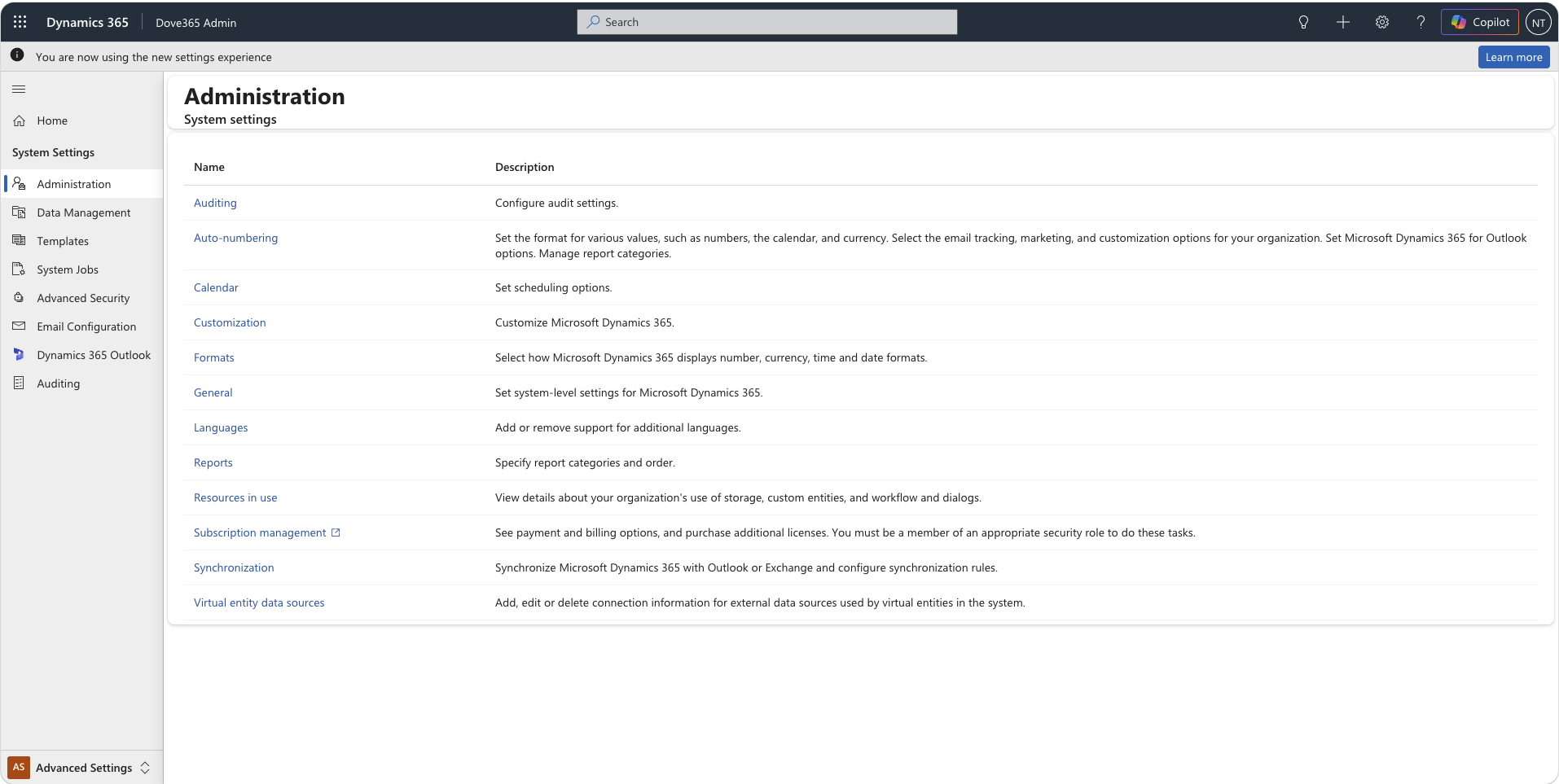
Advanced Settings
Administration, data management, templates, system jobs, advanced security, email configuration, Dynamics 365 for Outlook, and auditing.
Keep the environment ready
Users and teams
Complete profiles, use Security Role Manager for users and teams, and deactivate leavers rather than deleting history.
Mailboxes
Approve and test mailboxes. Incoming, outgoing, and ACT statuses should show Success before Outlook tracking is relied upon.
Documents
Confirm server-based SharePoint integration, table-level Document Management Settings, site access, and generated Document Locations.
Service Offerings
Maintain consistent names and codes; deactivate retired offerings so existing references remain intact.
Flows and connections
Monitor failure notifications, Opportunity Close, Case Resolve, and Lead Convert. Repair expired Outlook or Dataverse service-account connections.
Guidance and support inside the app
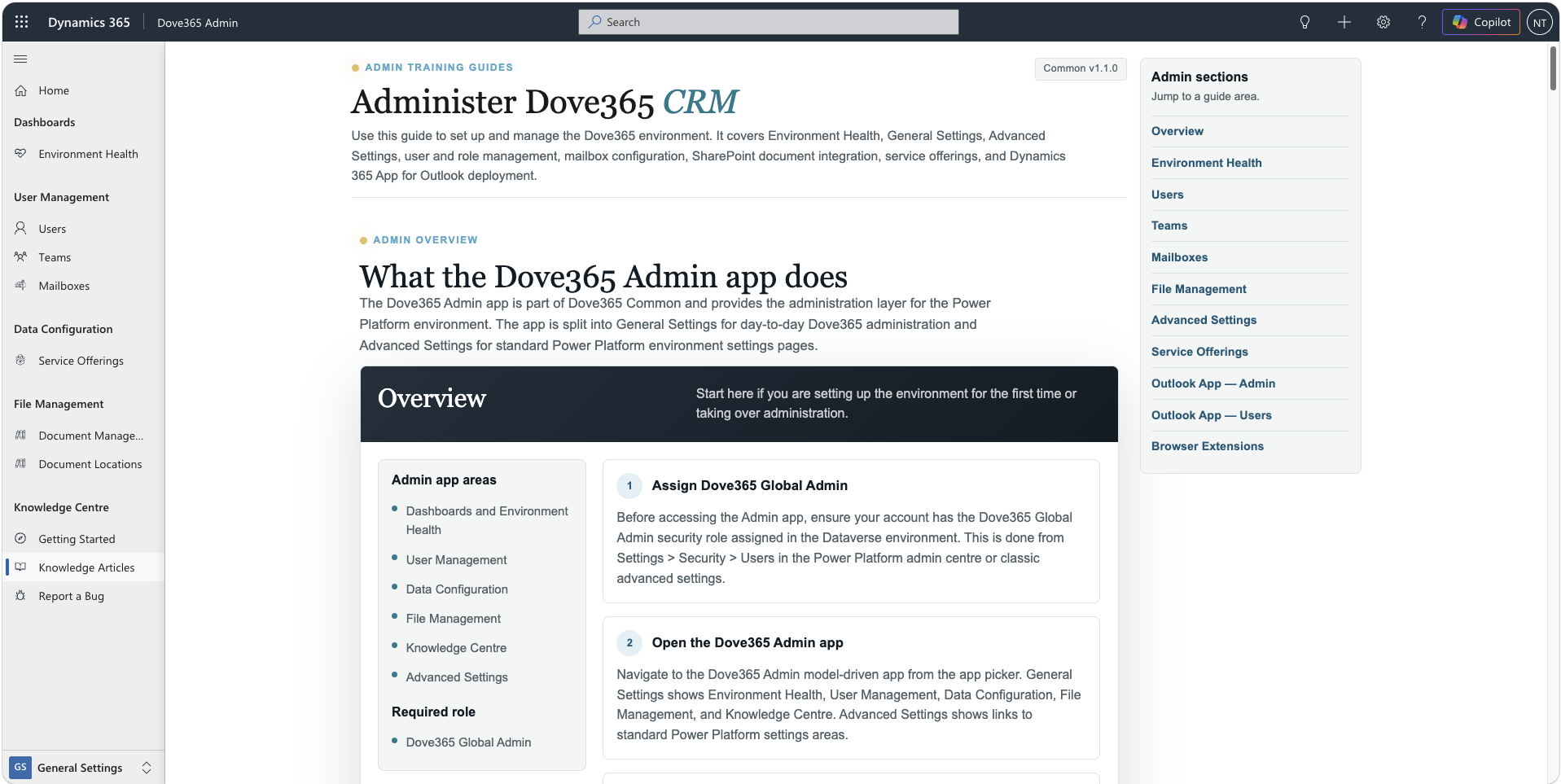
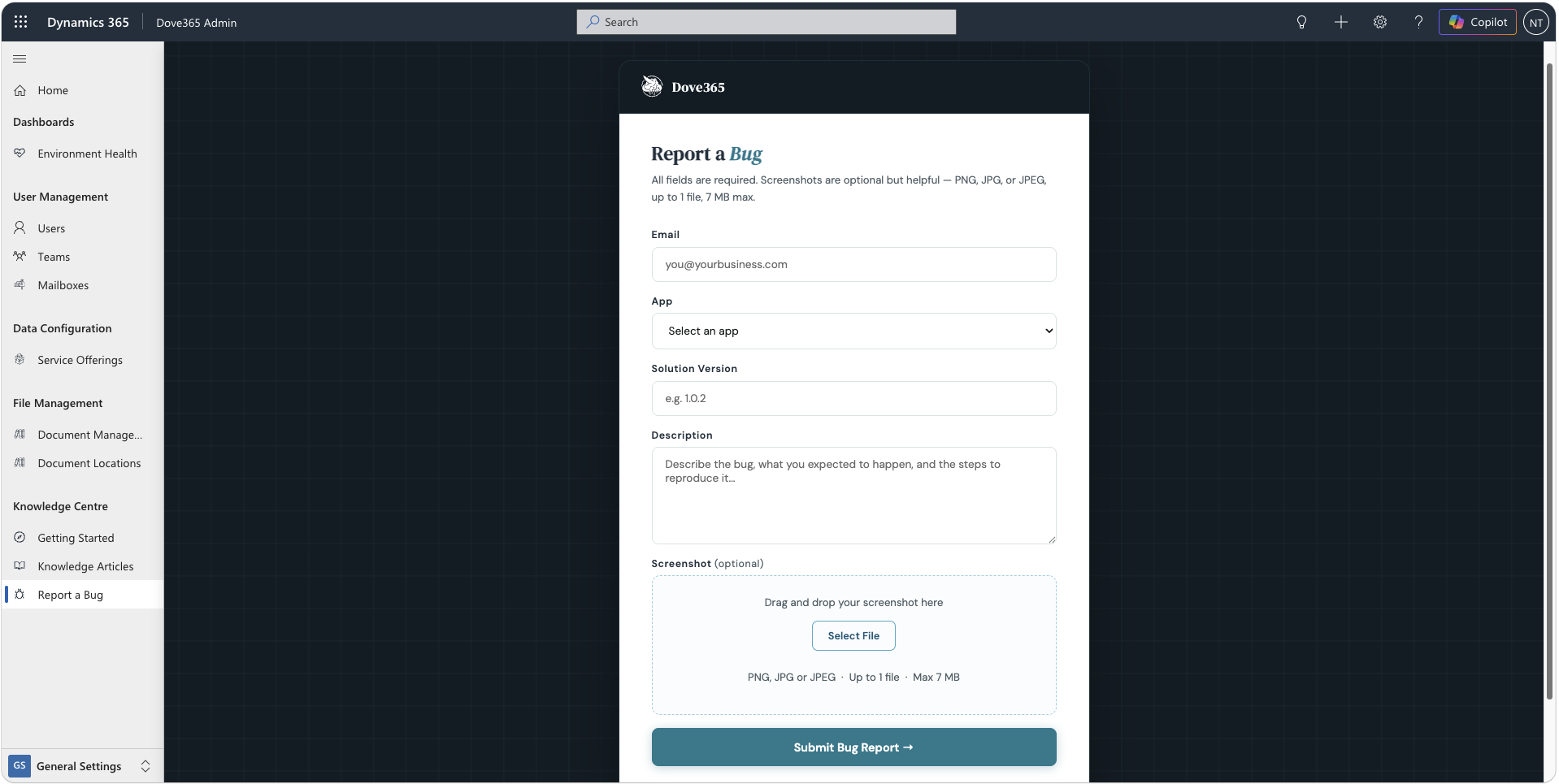
Use Knowledge Articles for administrator guidance and Report a Bug when an issue needs to be captured for investigation. Include clear reproduction steps and the affected area.
Continue with focused admin guides
Open the dedicated Environment Health or Advanced Settings guide, or continue with user administration.