Advanced Settings Guide
Use the Advanced Settings area in Dove365 Admin for controlled platform, security, email, system, and auditing administration.
Platform controls in one place
Open Dove365 Admin and select Advanced Settings. Access requires the Dove365 Global Admin role and may also depend on Microsoft platform permissions.
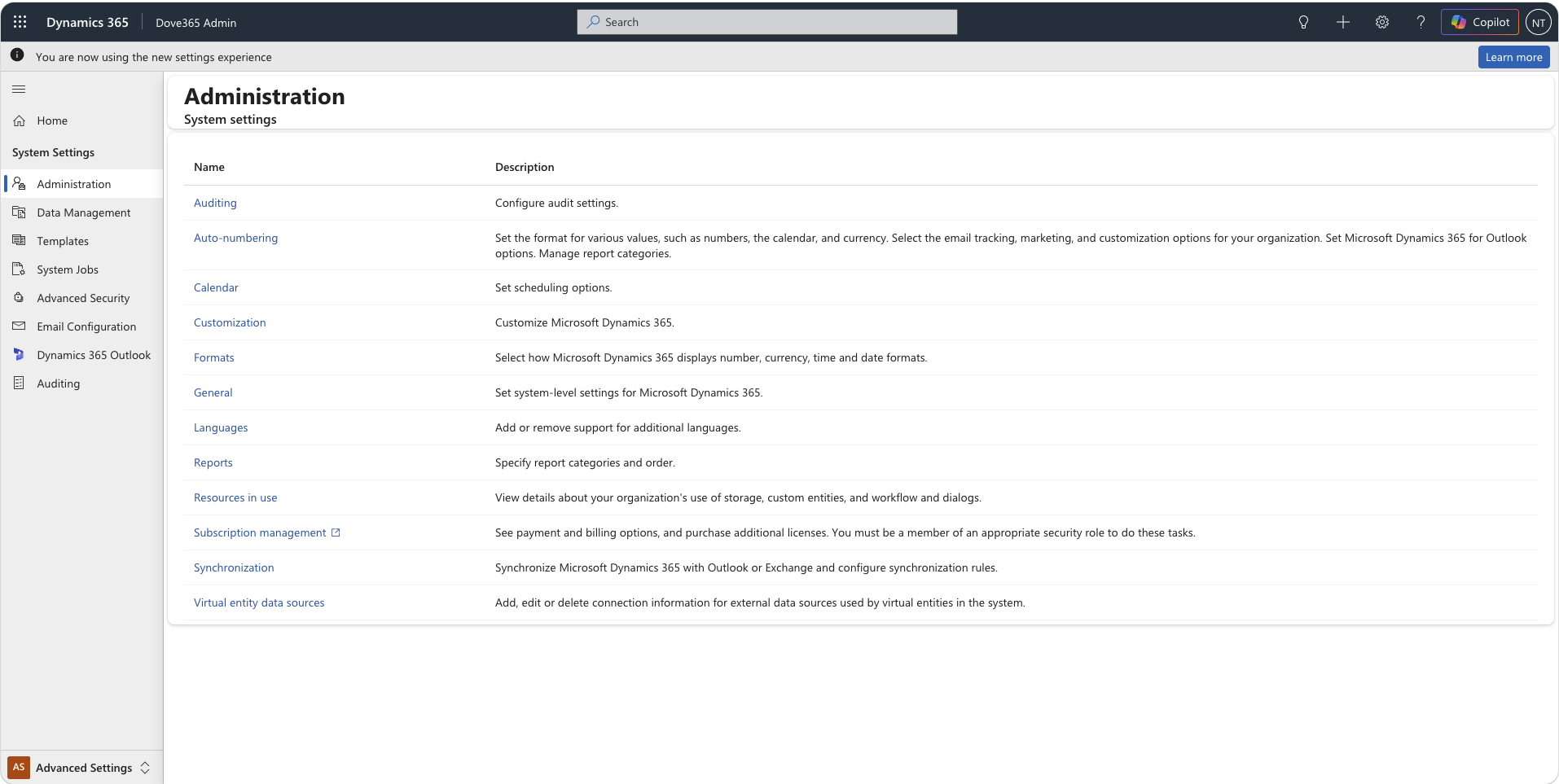
Choose the right administration area
Administration
Open organisation and system administration settings that are not part of routine CRM data maintenance.
Data Management
Review imports, duplicate detection, data maps, and other governed data operations.
Templates
Manage supported document and email templates used by the environment.
System Jobs
Inspect asynchronous jobs and failures when automated platform work does not complete.
Advanced Security
Use platform security administration alongside Dove365 Security Role Manager.
Email Configuration
Review server profiles, mailboxes, email settings, and server-side synchronisation.
D365 for Outlook
Review eligible users and deploy the Dynamics 365 App for Outlook after roles and mailboxes are ready.
Auditing
Configure and review auditing in line with the organisation’s governance requirements.
Change settings deliberately
Use the least privilege required
Limit Global Admin and platform administration access to people who actively need it.
Test controlled changes
Where possible, validate configuration changes outside production before publishing them.
Check dependencies
Review solution, flow, connection, mailbox, and security dependencies before changing shared settings.
Record what changed
Keep an administrative record of significant configuration changes and their validation outcome.
Check environment readiness
Return to Environment Health after controlled administration changes.